Drop
Drag files or whole folders: SVG, PNG, JPEG, WebP, AVIF, JPEG XL, GIF, TIFF, BMP and ICO. Every image is checked before it comes in, and duplicates are recognized automatically.
English · Français
All your graphic assets, organized and within reach.
Free software for Linux, in English and French.
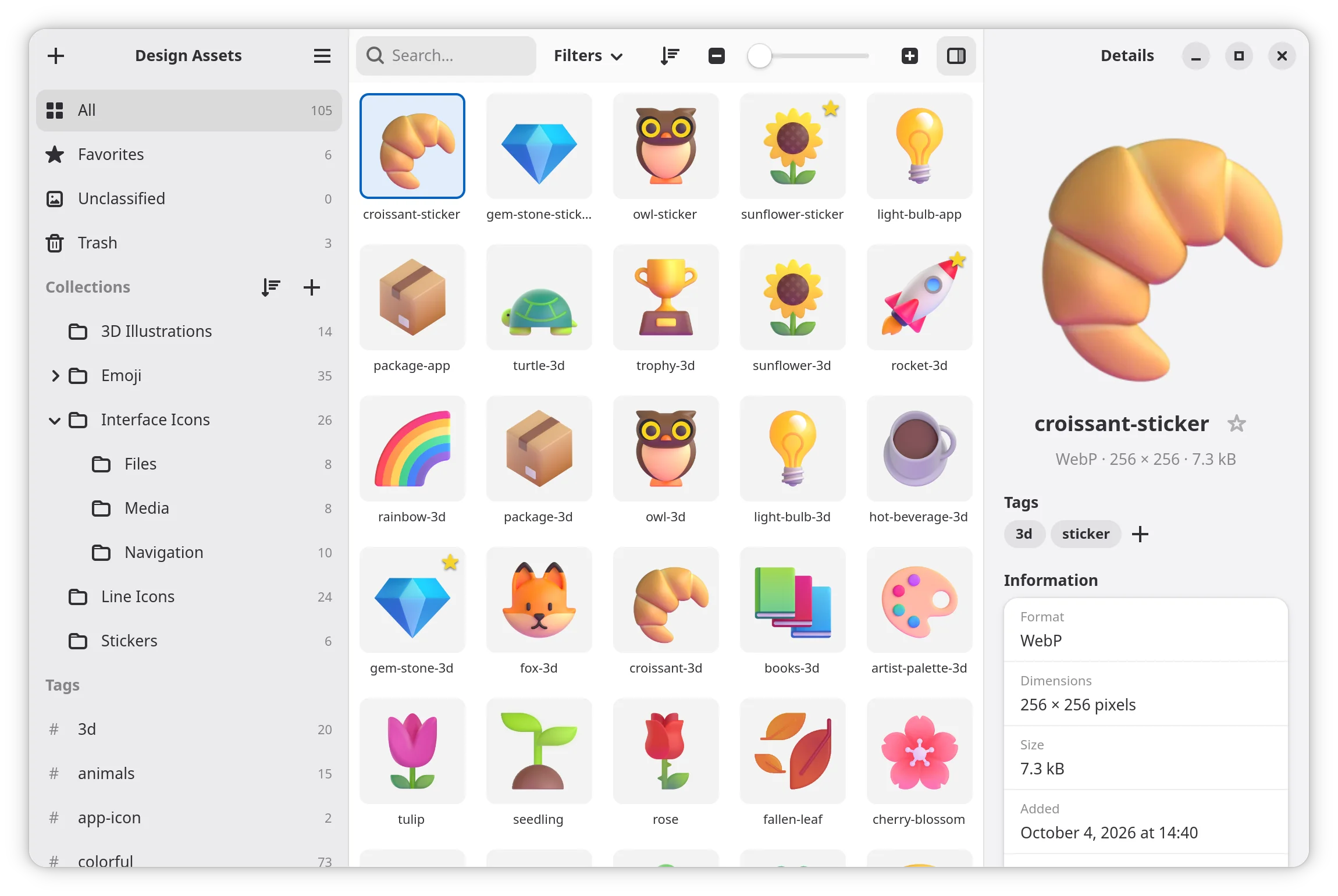
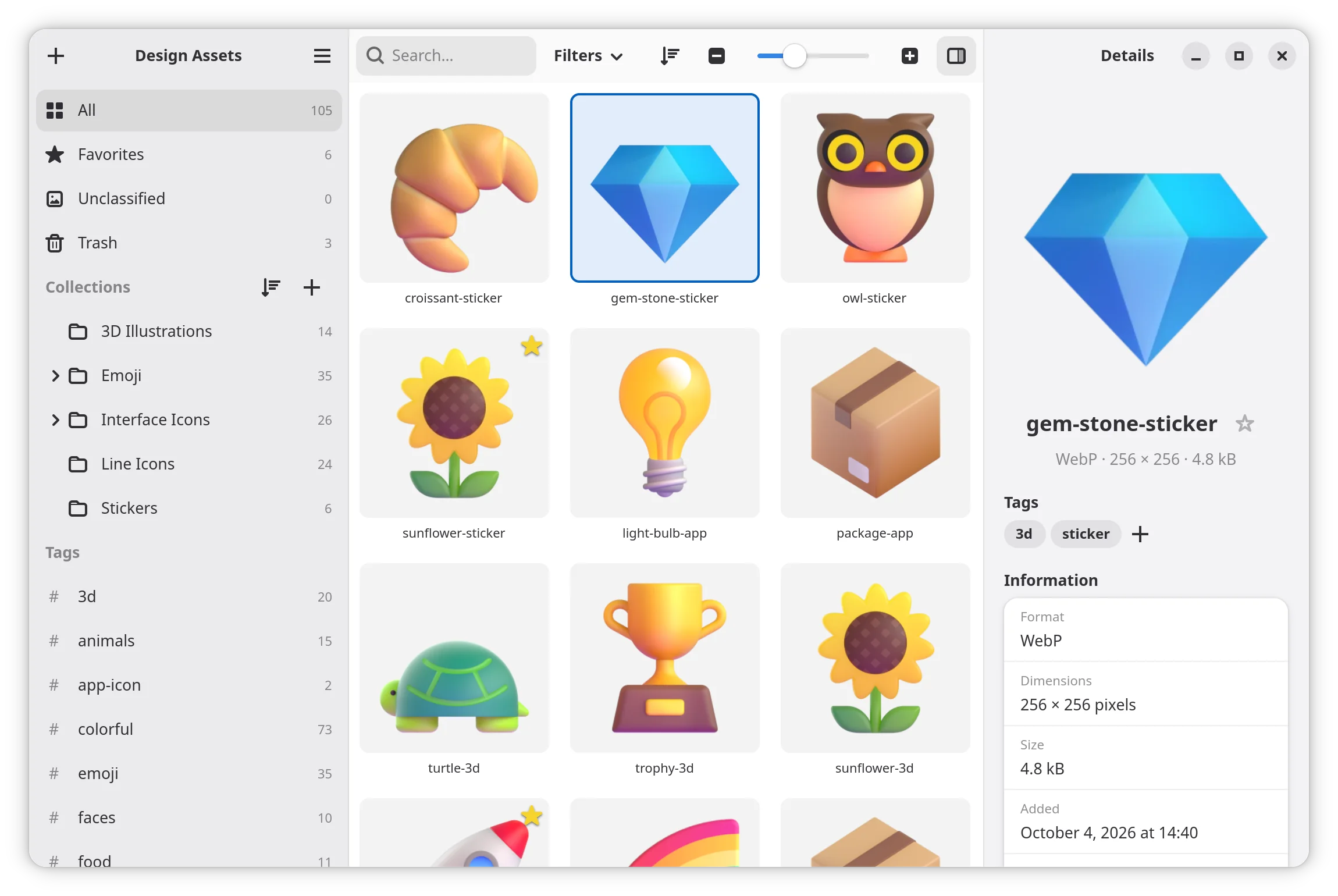
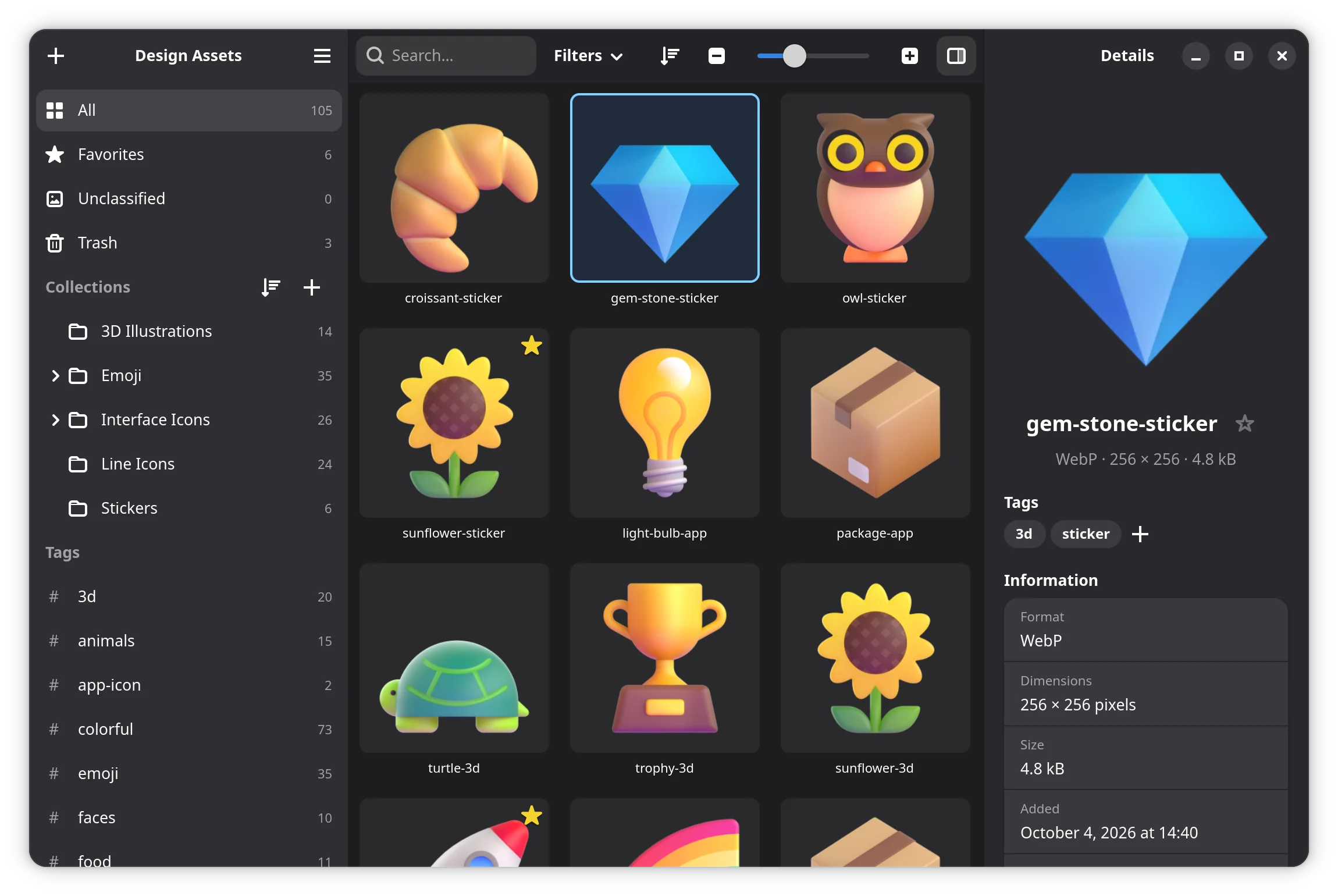
Icons in Downloads, logos in an old project folder, an SVG lost somewhere on the desktop… Pigoune gathers all of them in a single library, neatly organized and pleasant to browse.
Drop your graphic assets in: Pigoune keeps a safe copy (your original files are never touched), helps you organize them and hands them back with a simple drag and drop whenever you need them.
Its name is an acronym that sums up what it is.
Platform for Icons and Graphics Organized, Unified, Native and Elegant
Drag files or whole folders: SVG, PNG, JPEG, WebP, AVIF, JPEG XL, GIF, TIFF, BMP and ICO. Every image is checked before it comes in, and duplicates are recognized automatically.
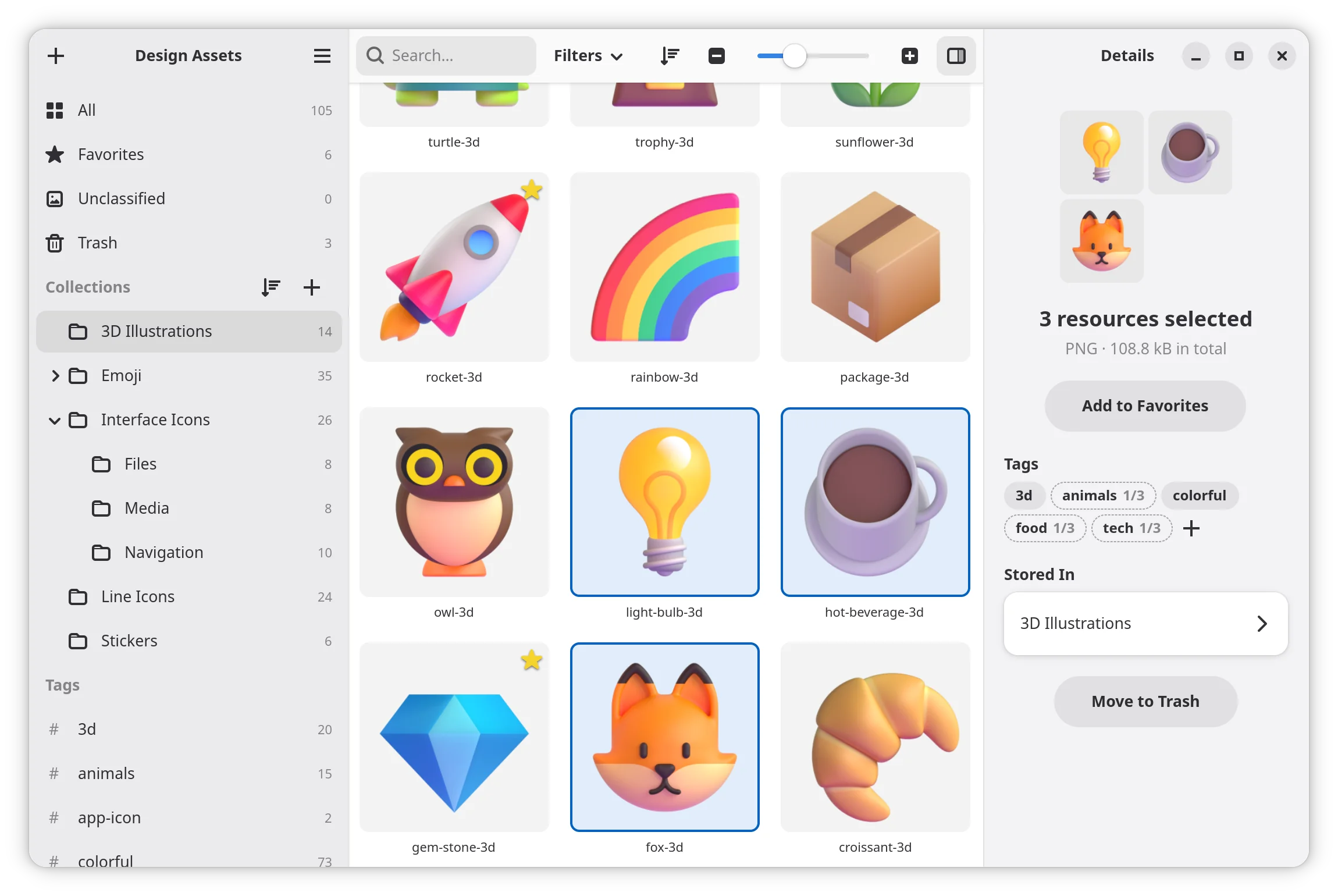
Nested collections, tags and favorites, plus a note, a source, a license and an author for each asset.
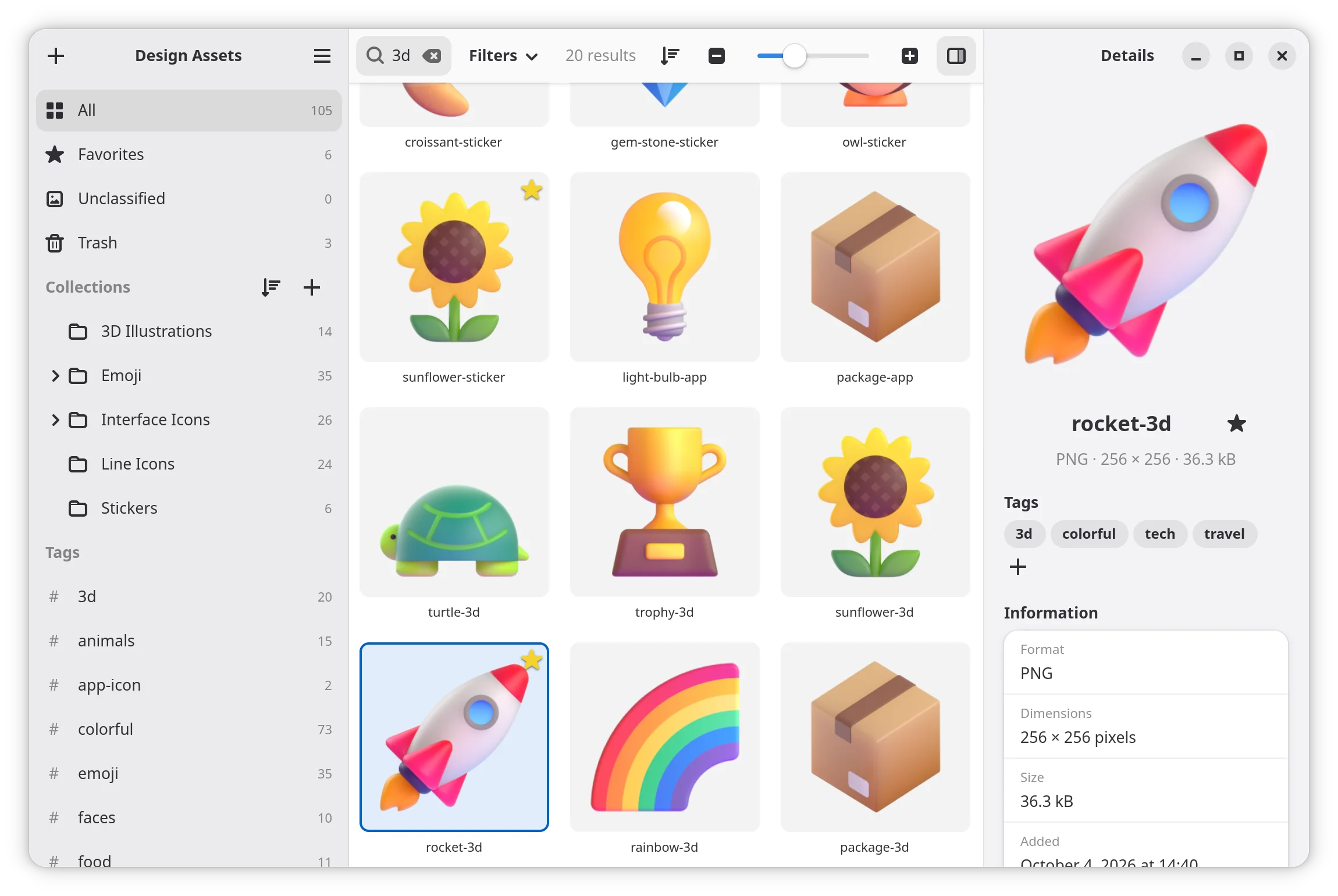
Instant search and filters by type or favorite, even among thousands of assets. Clicking a collection or a tag shows you where an asset lives.
Drag an asset into any application, open it with another one, copy it to the clipboard or export it to a folder, as it is or converted to PNG, JPEG, WebP, AVIF or ICO.
A thumbnail grid with adjustable size, animations (GIF, PNG, WebP) on hover, and a detailed preview with zoom at the press of Space.
The trash and undo with Ctrl+Z: a mistake can always be fixed.
Pigoune runs on Linux, packaged as a Flatpak.
Supported
Any distribution that supports Flatpak, whatever the desktop: GNOME, KDE Plasma, Xfce, Cinnamon and others.
Required
With an Intel or AMD processor (x86_64), like most desktop and laptop computers. ARM devices, such as the Raspberry Pi or Apple Silicon Macs running Linux, are not supported.
Not available
Pigoune is made for Linux and the GNOME platform. There is no version for Windows or macOS.
Pigoune is distributed as a Flatpak. Fedora, Linux Mint, Pop!_OS and many other distributions ship Flatpak already. On Ubuntu and a few others, set it up first by following the official guide for your distribution, then restart your session.
Click the button below and open the file with Software: it installs Pigoune from its own repository. The GNOME runtime Pigoune needs is downloaded automatically from Flathub.
Or run this command:
flatpak install --user https://gor3pig.github.io/Pigoune/pigoune.flatpakrefPigoune updates itself like your other apps: Software offers each new version, and flatpak update installs it too. Every update is signed, so only official versions are accepted.
.flatpak file?If you installed Pigoune 1.5 or older from a downloaded .flatpak file, it does not update itself. Switch once to automatic updates with these two commands. Your libraries and settings are kept.
flatpak uninstall --user io.github.gor3pig.Pigoune
flatpak install --user https://gor3pig.github.io/Pigoune/pigoune.flatpakref
The .flatpak file of each version is still attached to its release, for those who prefer it.